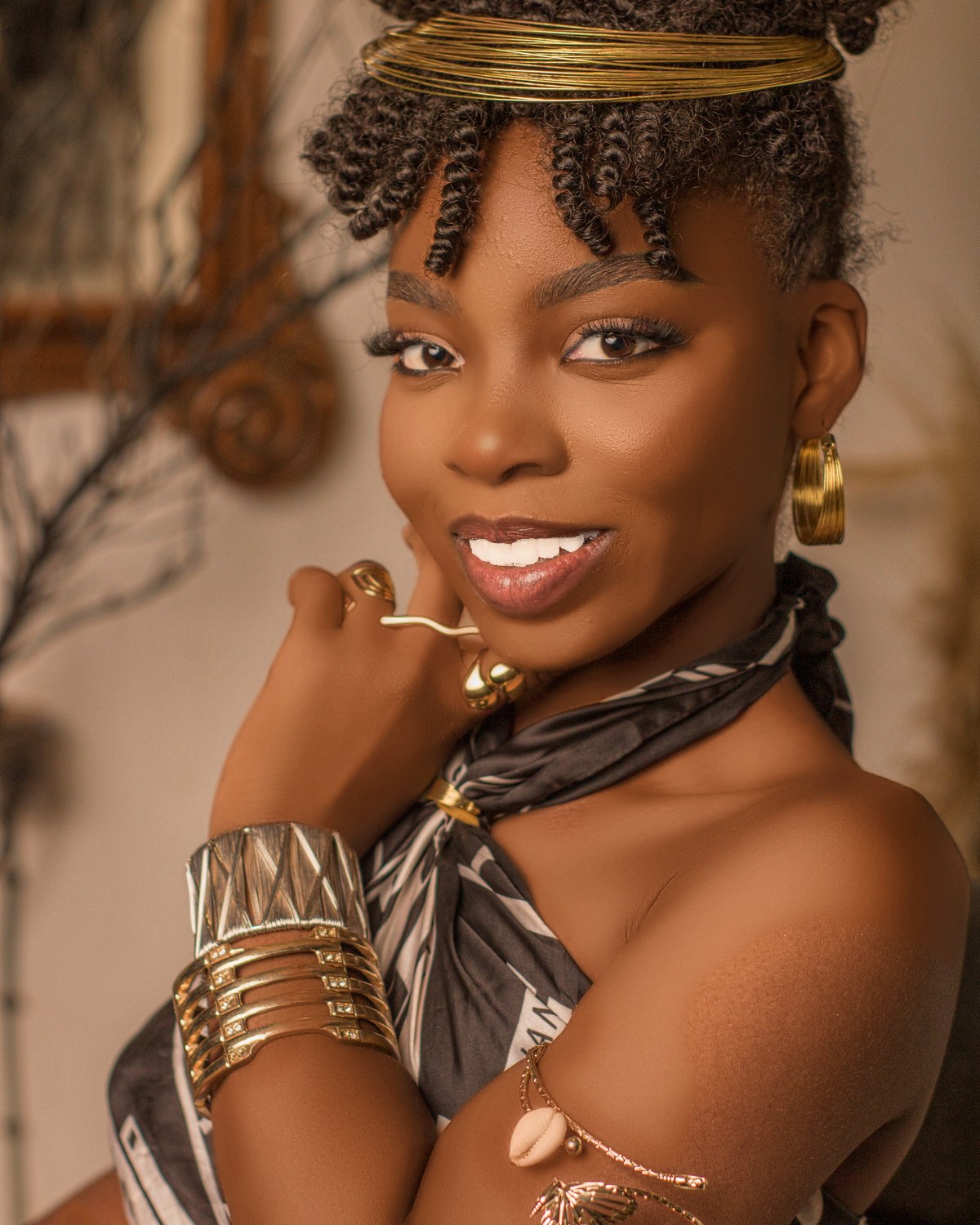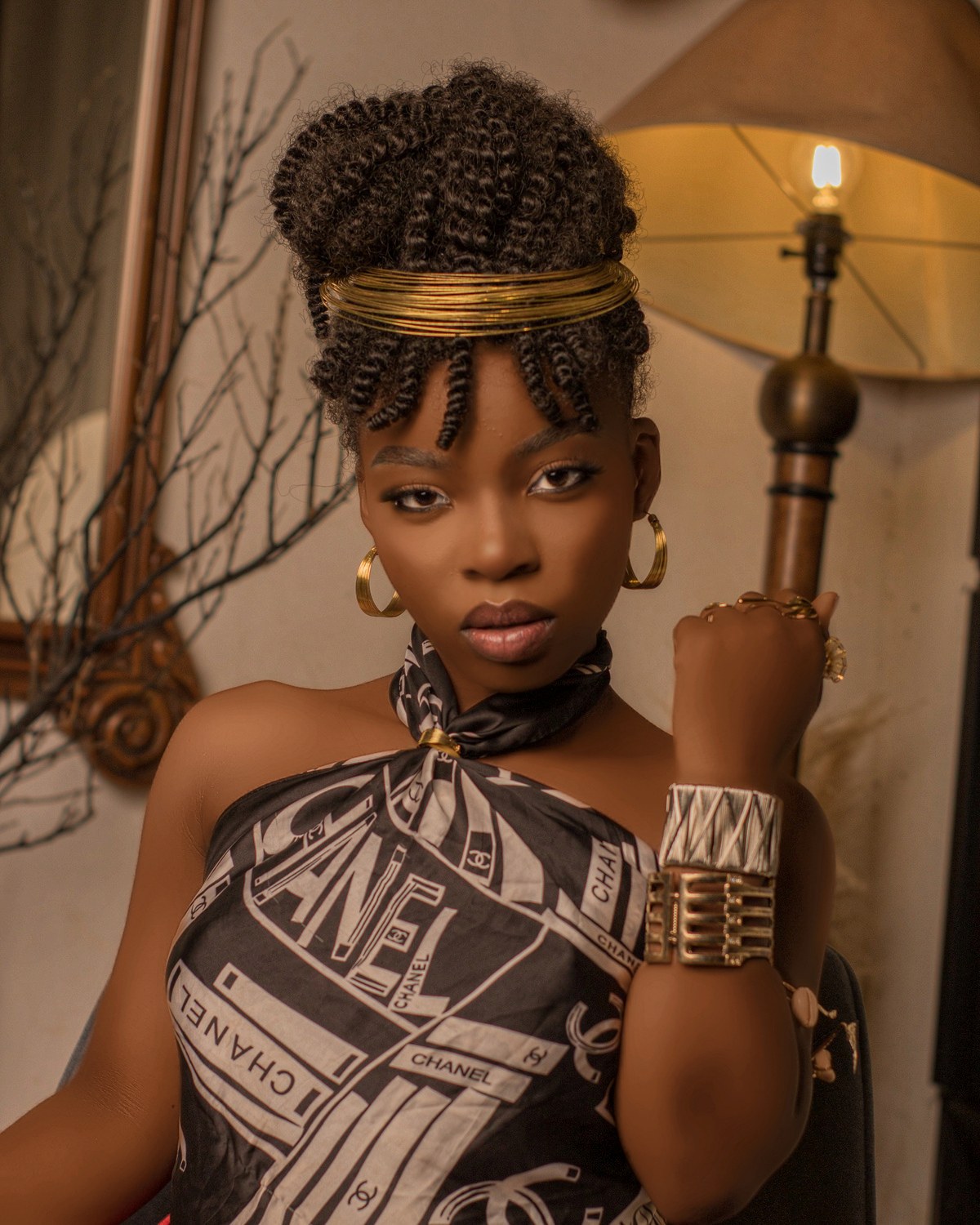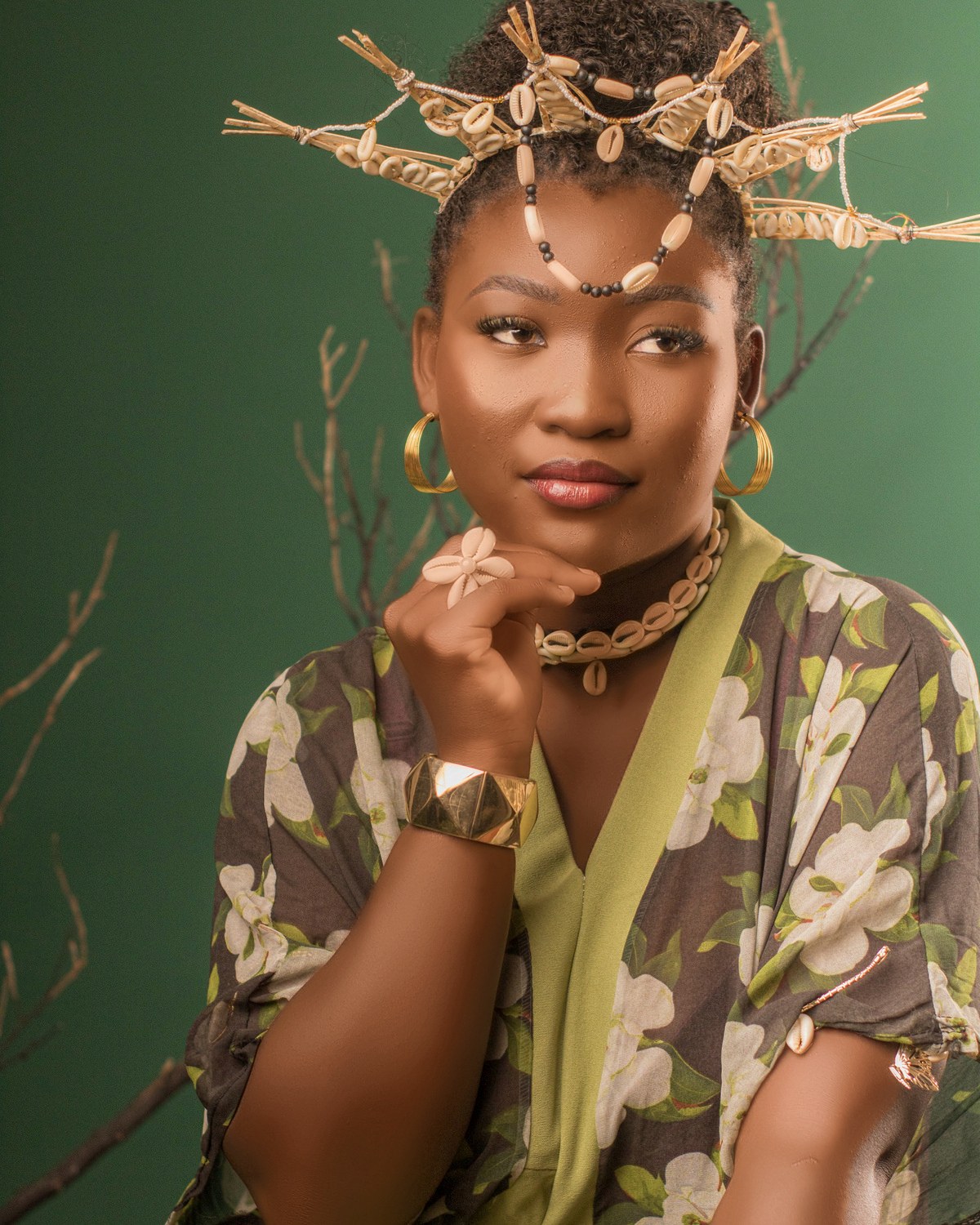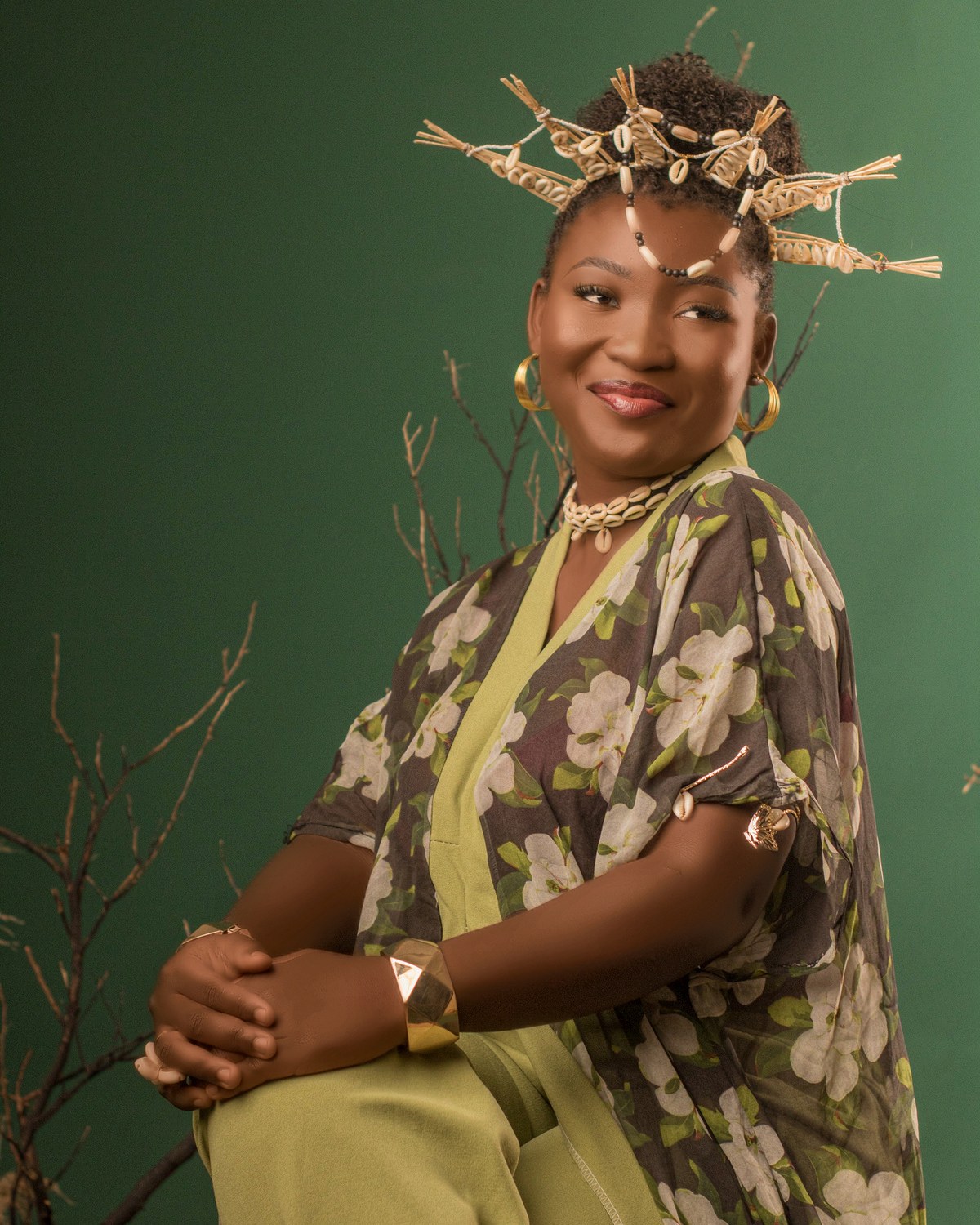
Every frame is intentional

Auto professional retouching. On your machine, not in a queue.

It does the pass you would otherwise do by hand on every frame: spots, skin, tone, teeth, eyes, hair, light. Your own Photoshop actions become steps in the workflow, so the app drives Photoshop instead of you driving it. You still open the files that deserve your judgement, just not all of them.

Retouching on your own hardware — no upload, no queue, no credits — is the Studio plan. The app itself is free, and every cloud AI process runs on it, paid by the credit.

Coming soon

We're finishing booking & payments first. The download opens the moment that's ready.
One e-mail on opening day. Nothing else.

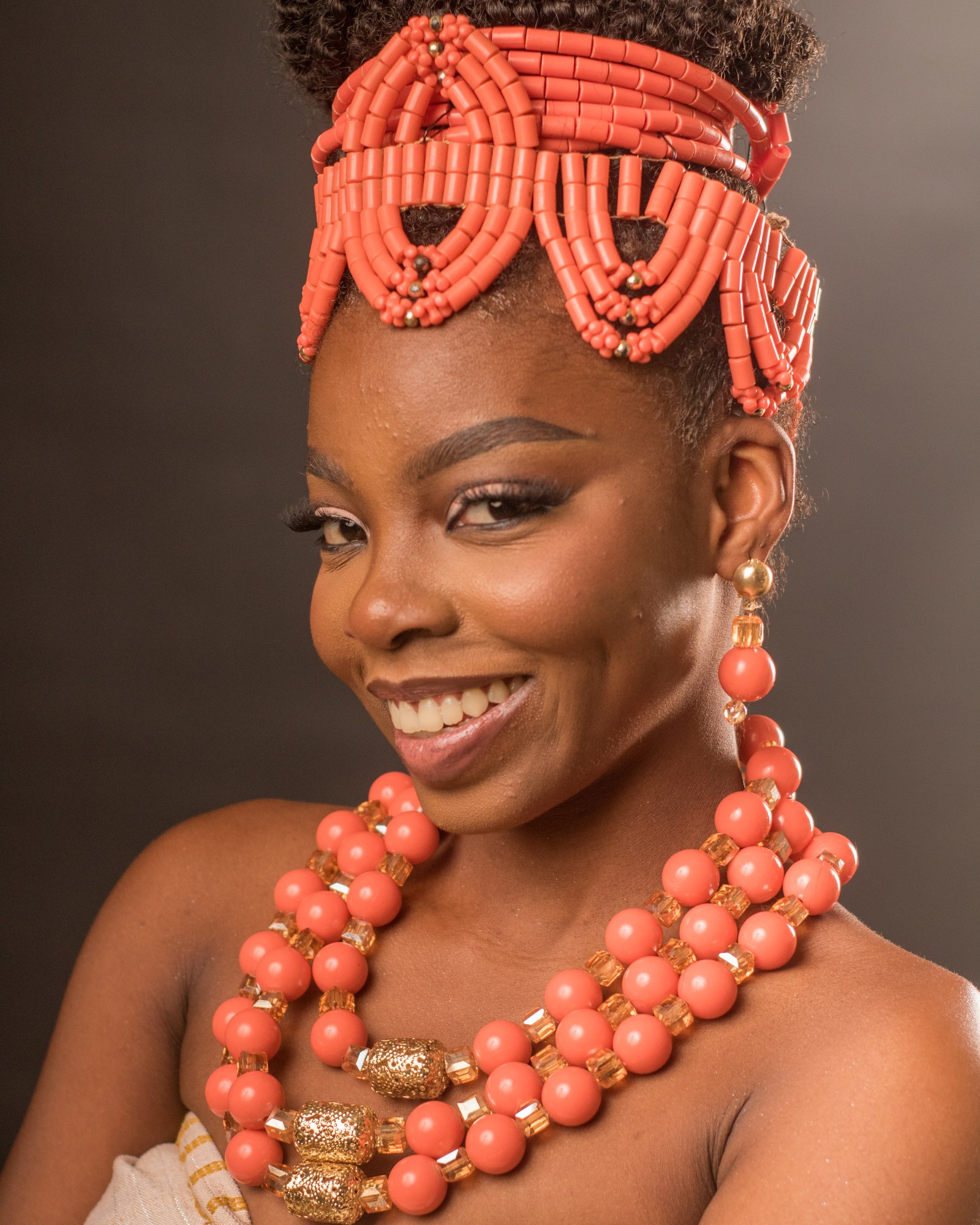
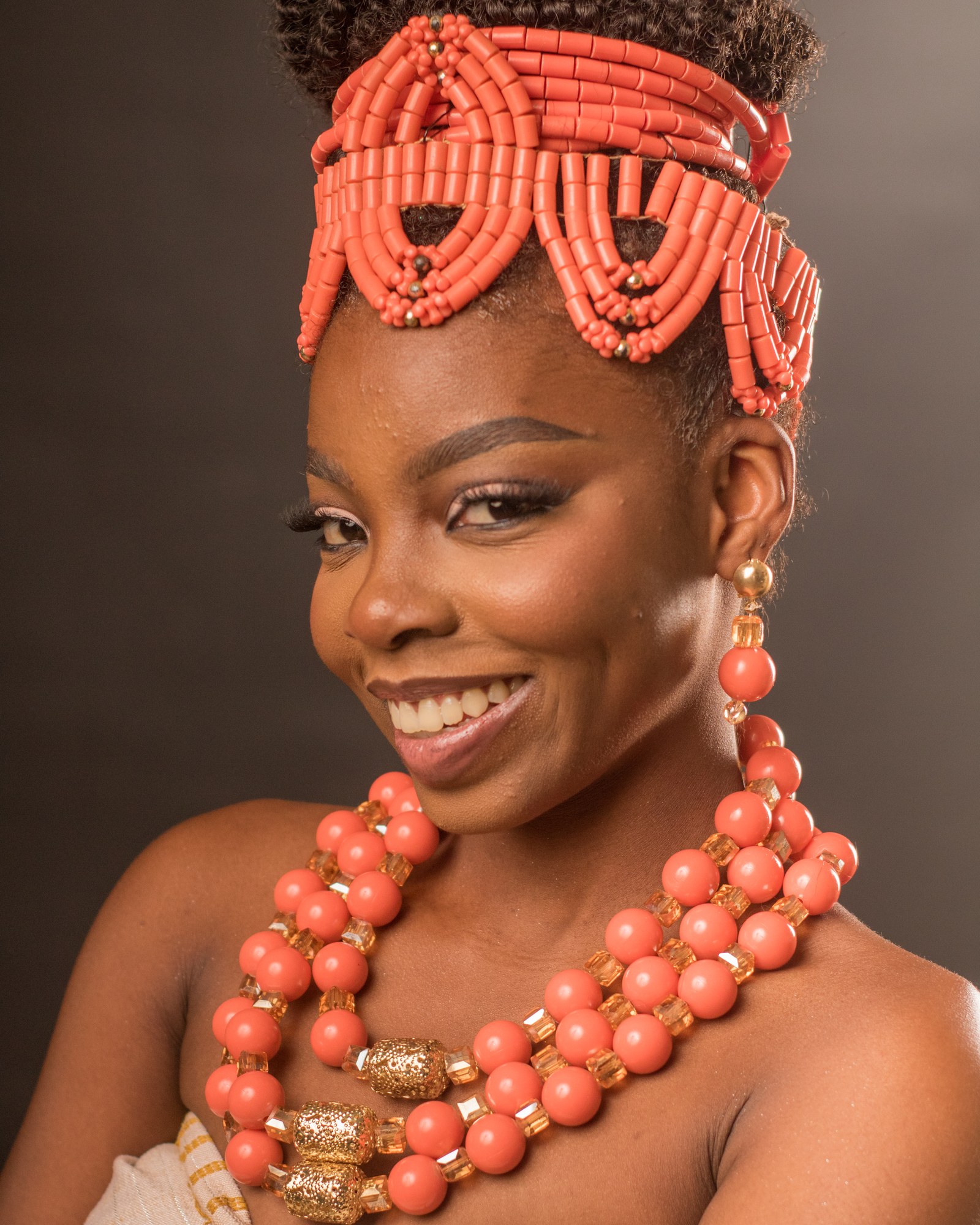
Portrait before retouching
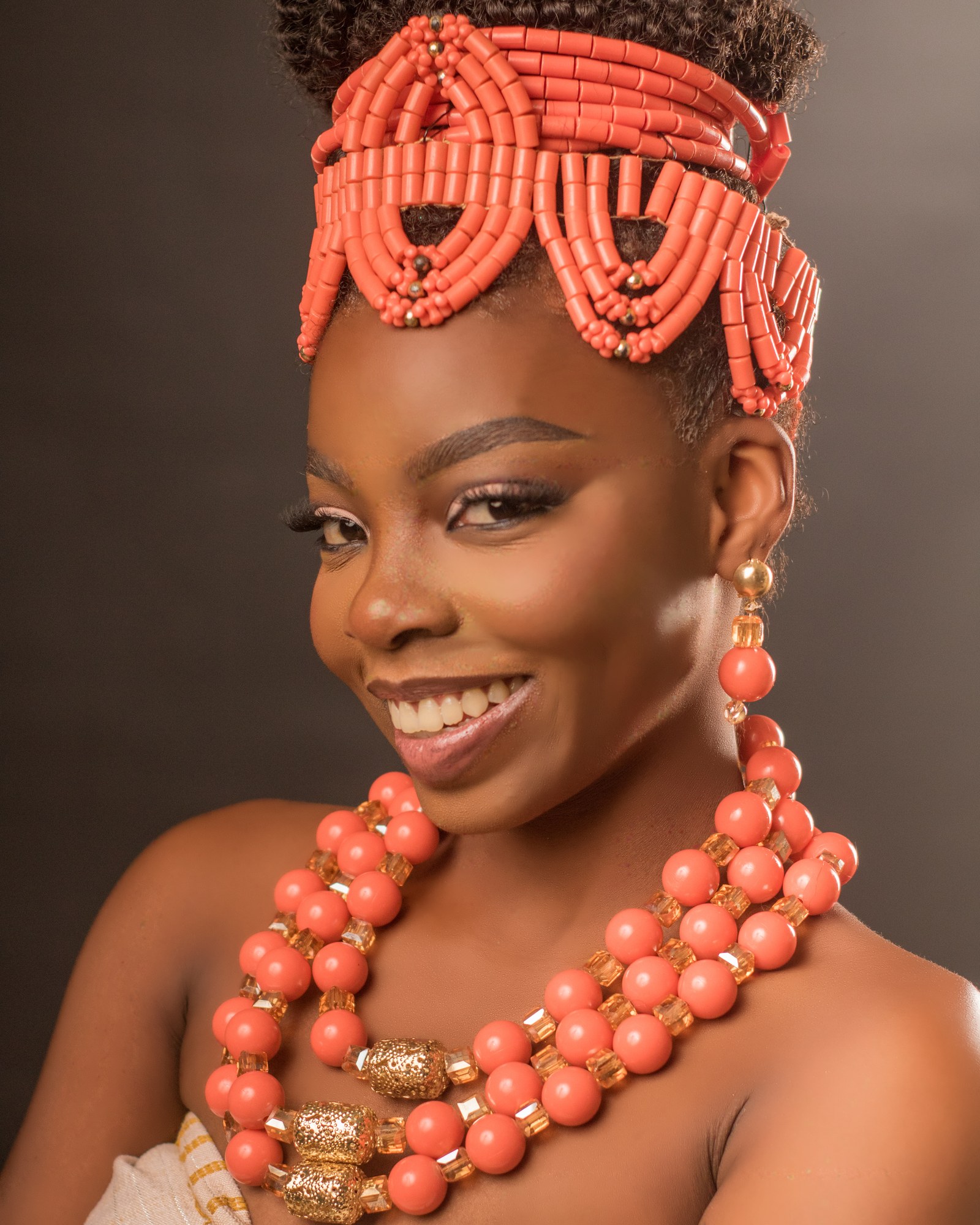
The same portrait after retouching in Im.Age 57 Studio
Before After

Drag to compare
0

to install, on macOS and Windows. The app is free and every cloud AI process is available on it, paid by the credit.

1×

payment on the paid plans. They never expire and there is nothing to re-bill, ever.

57

runs the retouch on your own hardware from the Studio plan up — no upload, no queue, no credits.

Watch it work

One frame. Every step, as you scroll.

Ten stages, in the order the engine runs them. One real frame, straight off the card, with nothing done to it by hand. Keep scrolling to build the retouch.

Original frame After spot healing and AI skin smoothing After skin tone and facial volumes After teeth whitening and eye brightening After hair refinement and sharpening After 3D relighting and depth-based bokeh Local · no upload
  1. 0Original
  2. 1Spots healed, AI smoothing
  3. 2Skin tone & facial volume
  4. 3Teeth & eyes
  5. 4Hair & sharpness
  6. 53D lighting & depth
Editable, always

Not a flattened dead-end.

Run it through Photoshop and each process is stamped onto its own named layer instead of merged down, then saved as a layered .psd. Turn one down, paint one out, keep the rest. Needs Photoshop installed, on the plans that include workflow and Service Mode runs.

Background
Skin
Relight
Layered Photoshop exportHair

Layered .psd · needs Photoshop installed

The Im.Age 57 Studio desktop app with a portrait open and the retouch sliders
Local first

It runs on your machine. That's why it costs no credits.

Retouching never leaves your computer. No upload, no queue, no credits. macOS and Windows.

⚡

Works without internet

Sign in once to activate the licence; it is cached on the machine, so day-to-day retouching keeps working offline. Cloud AI, galleries and booking need a connection.

RAW

RAW in, develop handoff out

RAW files are developed locally before anything else touches them, then handed to Camera Raw with your settings intact.

Ps

Your actions, as steps

Import the Photoshop actions you already use and chain them into a workflow that runs on every frame. It drives Photoshop rather than replacing it, keeping per-step layers, masks and a layered PSD. Building your own steps is a Studio feature.

🔒

Your clients' faces stay yours

Local retouching never uploads a photo. Cloud AI is opt-in per image, and what it costs is shown before you run it.

Studio plan

A wedding, overnight.

Drop the cards in a watch folder. Your workflow runs on every frame while you sleep. Review in the morning, then send the gallery link.

Batch frame 1
IMG_4217 · done
Batch frame 2
IMG_4224 · done
Batch frame 3
IMG_4231 · done
Batch frame 4
IMG_4238 · done
Batch frame 5
IMG_4245 · done
Batch frame 6
IMG_4252 · done
Batch frame 7
IMG_4259 · done
Batch frame 8
IMG_4266 · done
EveningCopy the cards into the watch folder. Pick a workflow, or let the folder decide.
NightThe server runs each step on each frame, skipping the ones you've turned off per image.
MorningApprove in the review gallery, reprocess the odd one, deliver.
For your clients

Everything around the shoot, on their phone.

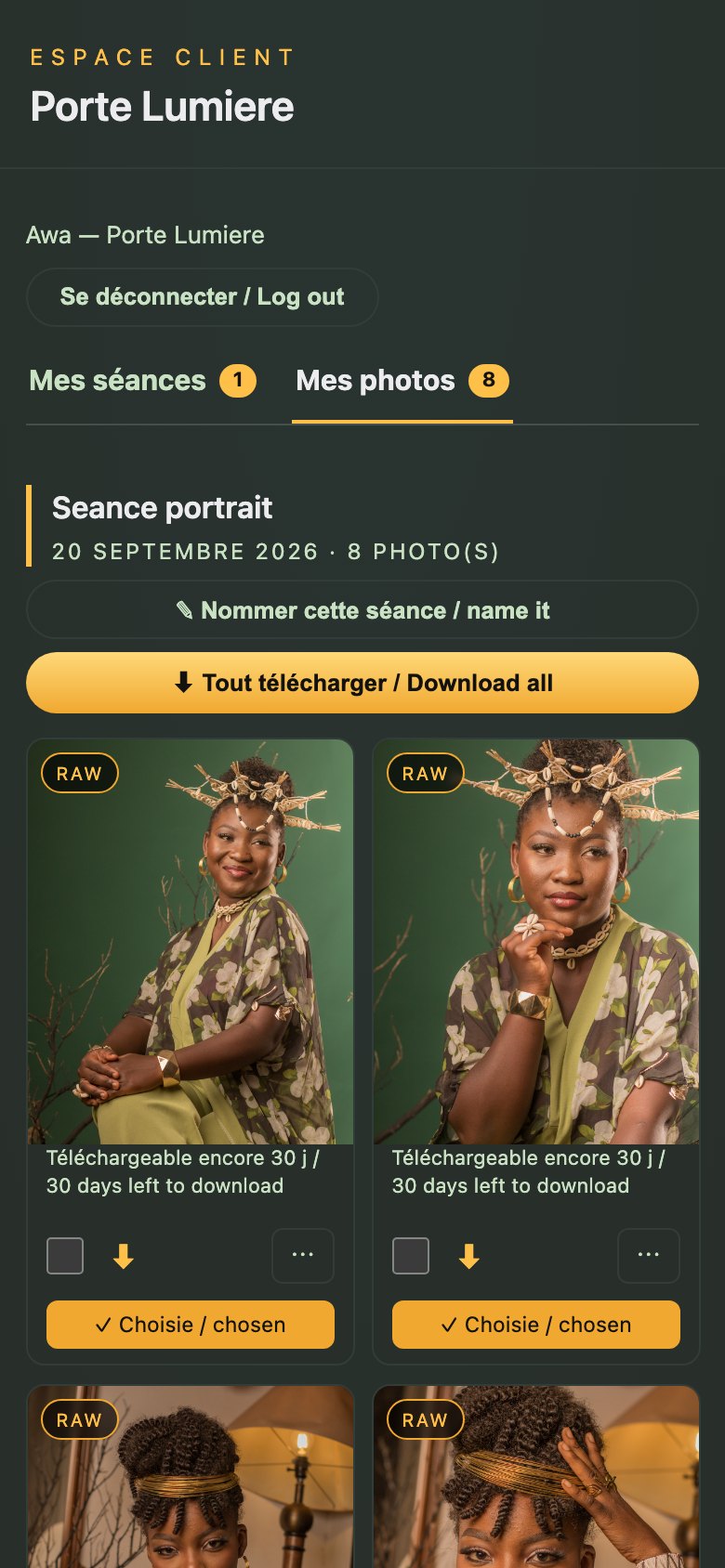
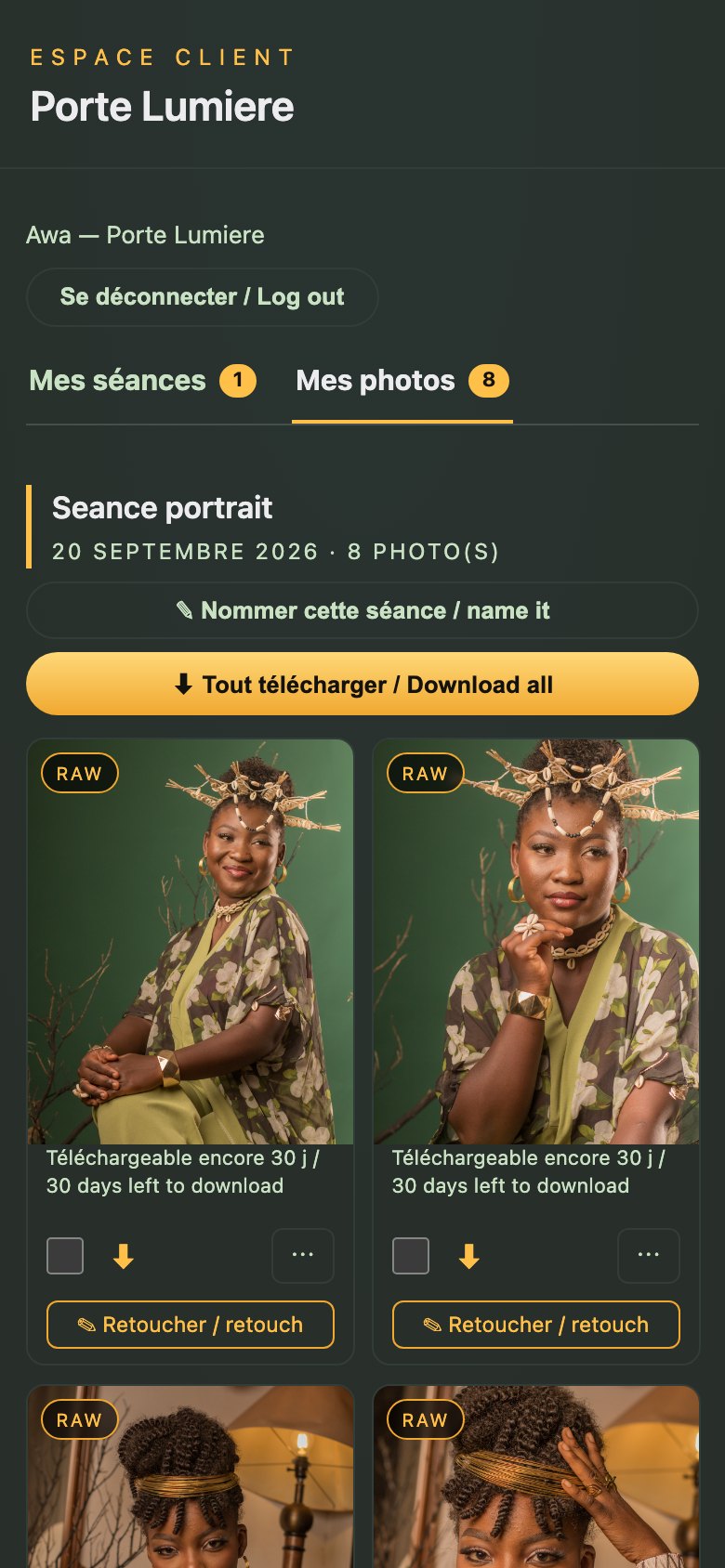
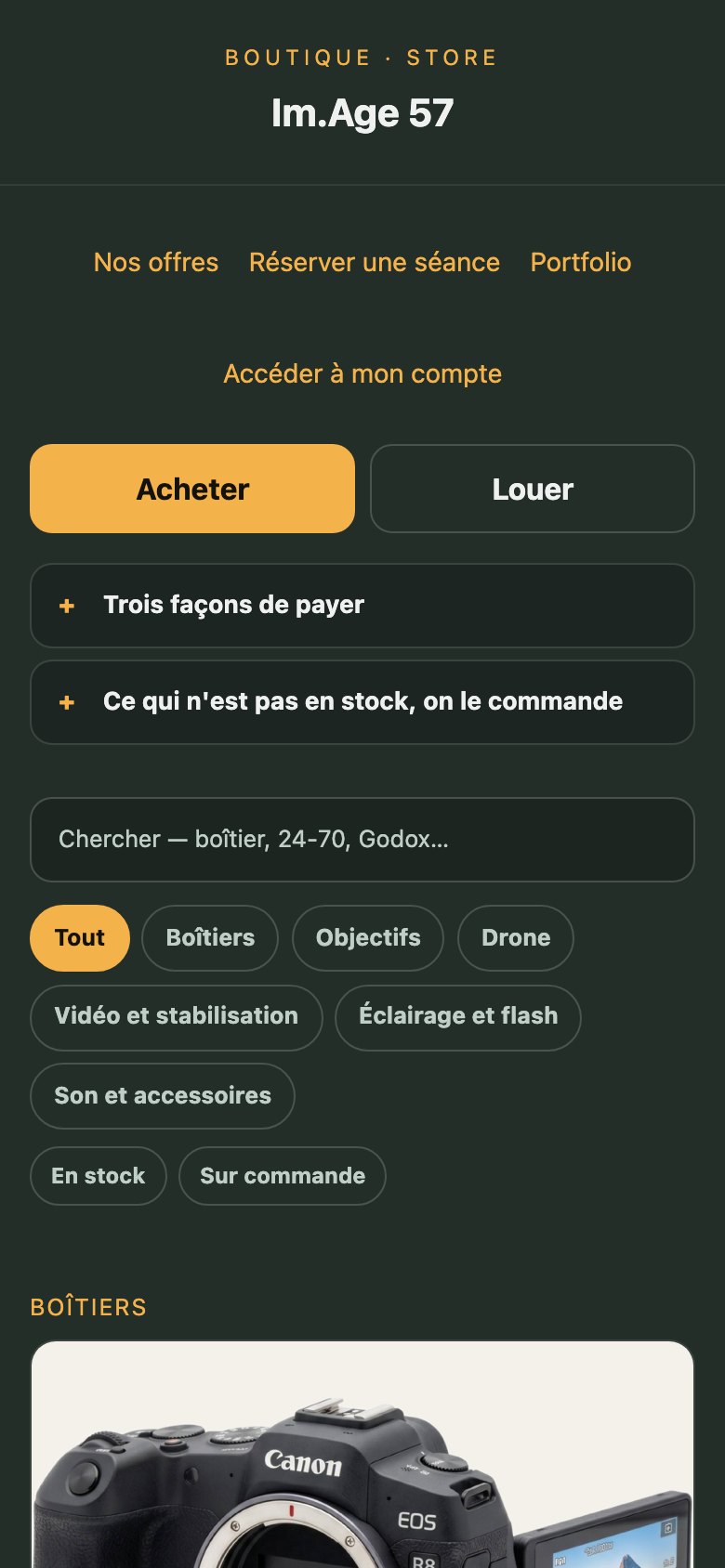
yourstudio.image57.com. They find you, book, plan the session, choose what to retouch, collect the photos and come back. You never send a file by hand. The whole client side starts on the Creator plan.

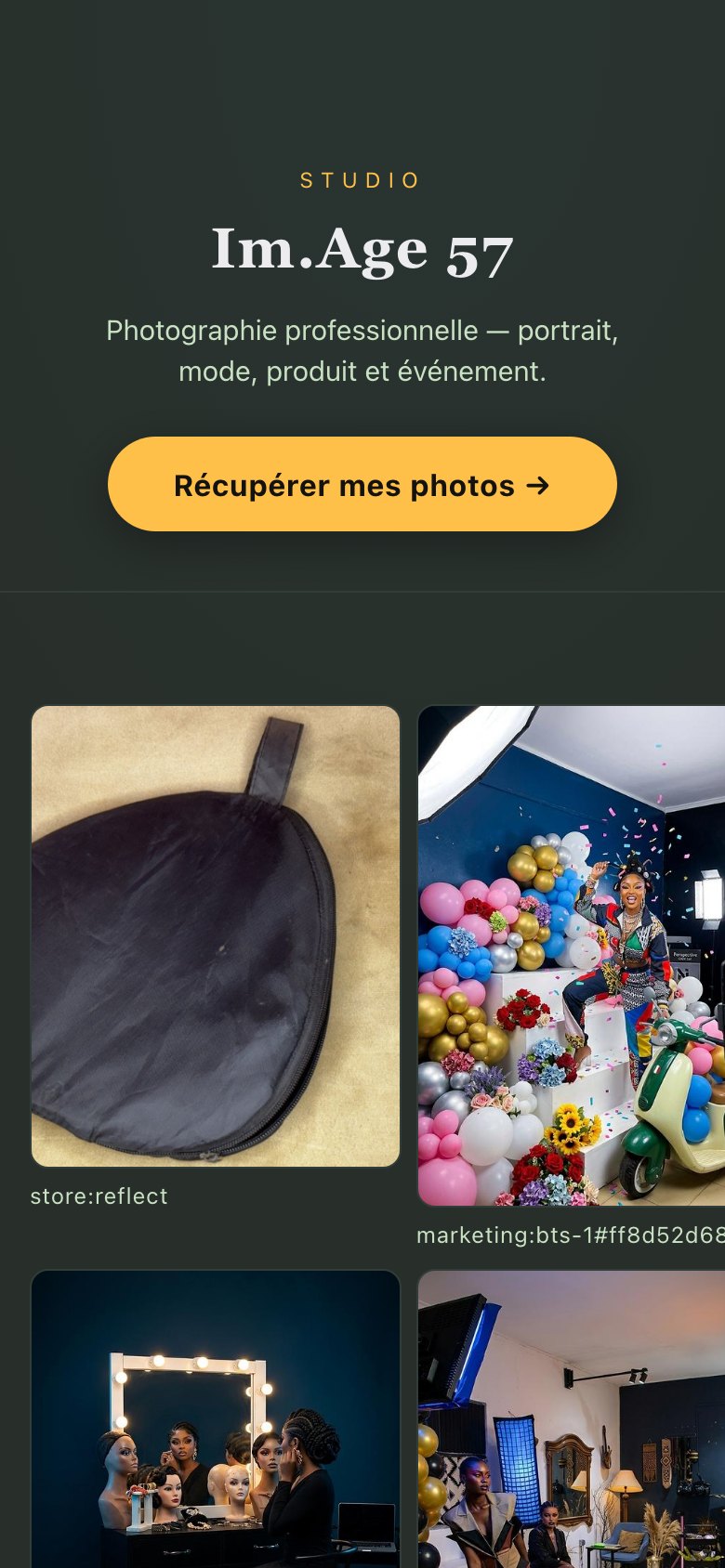
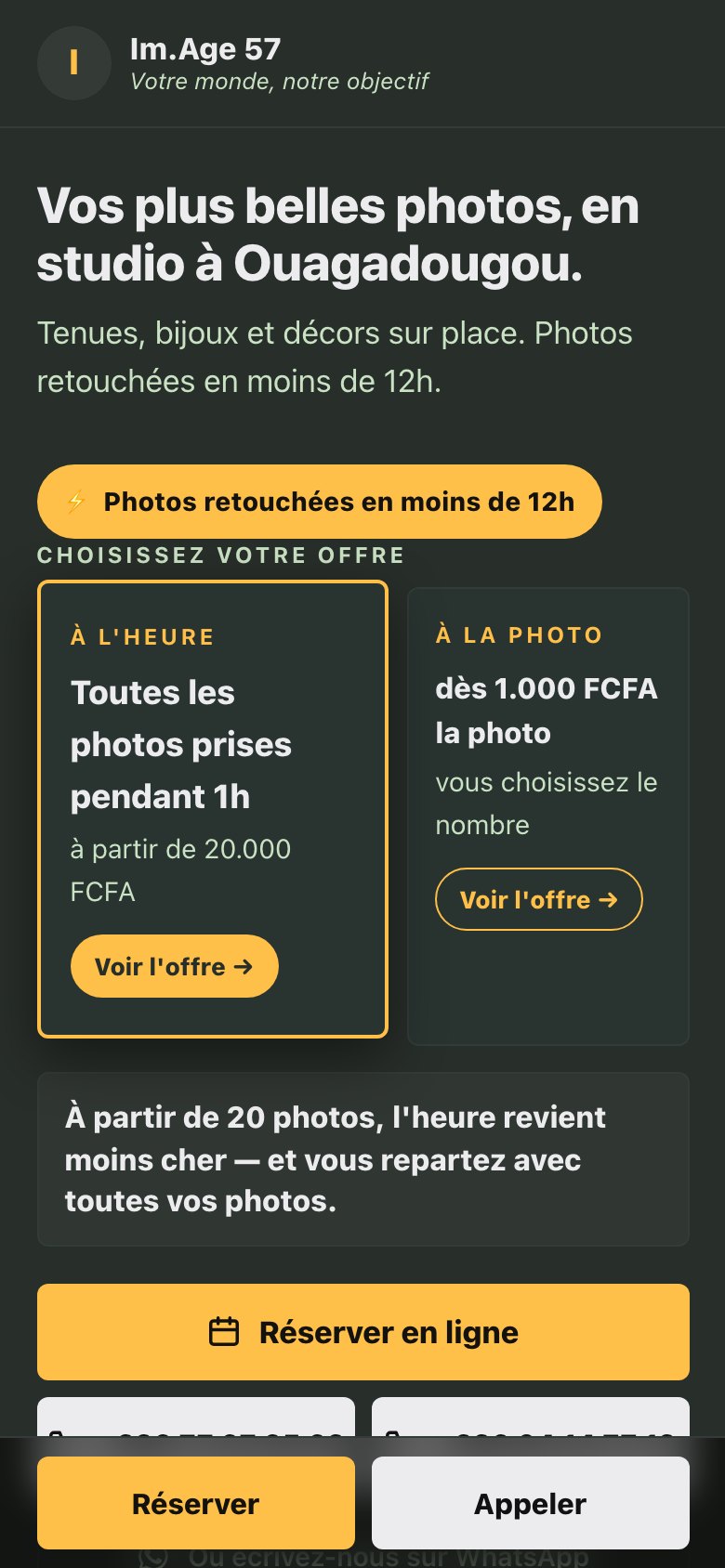
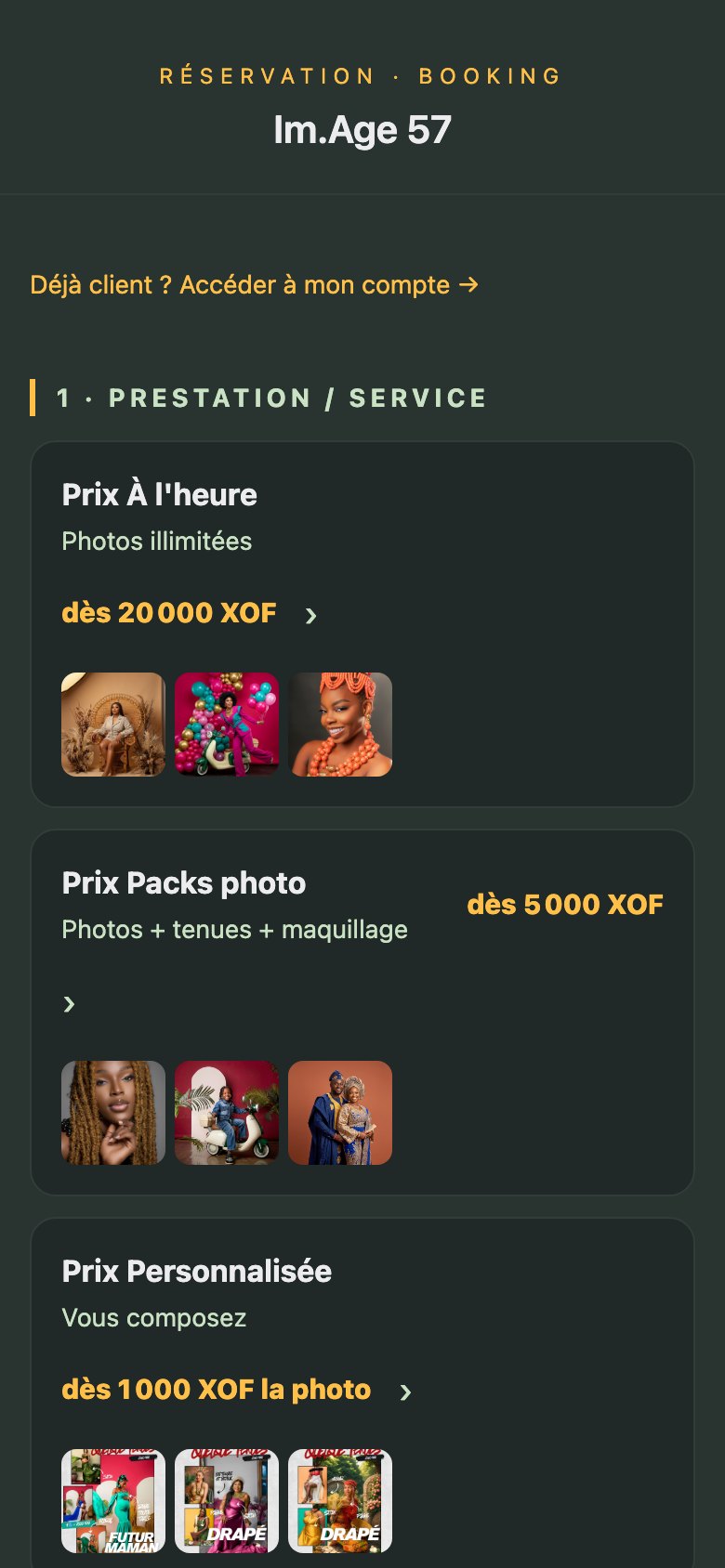
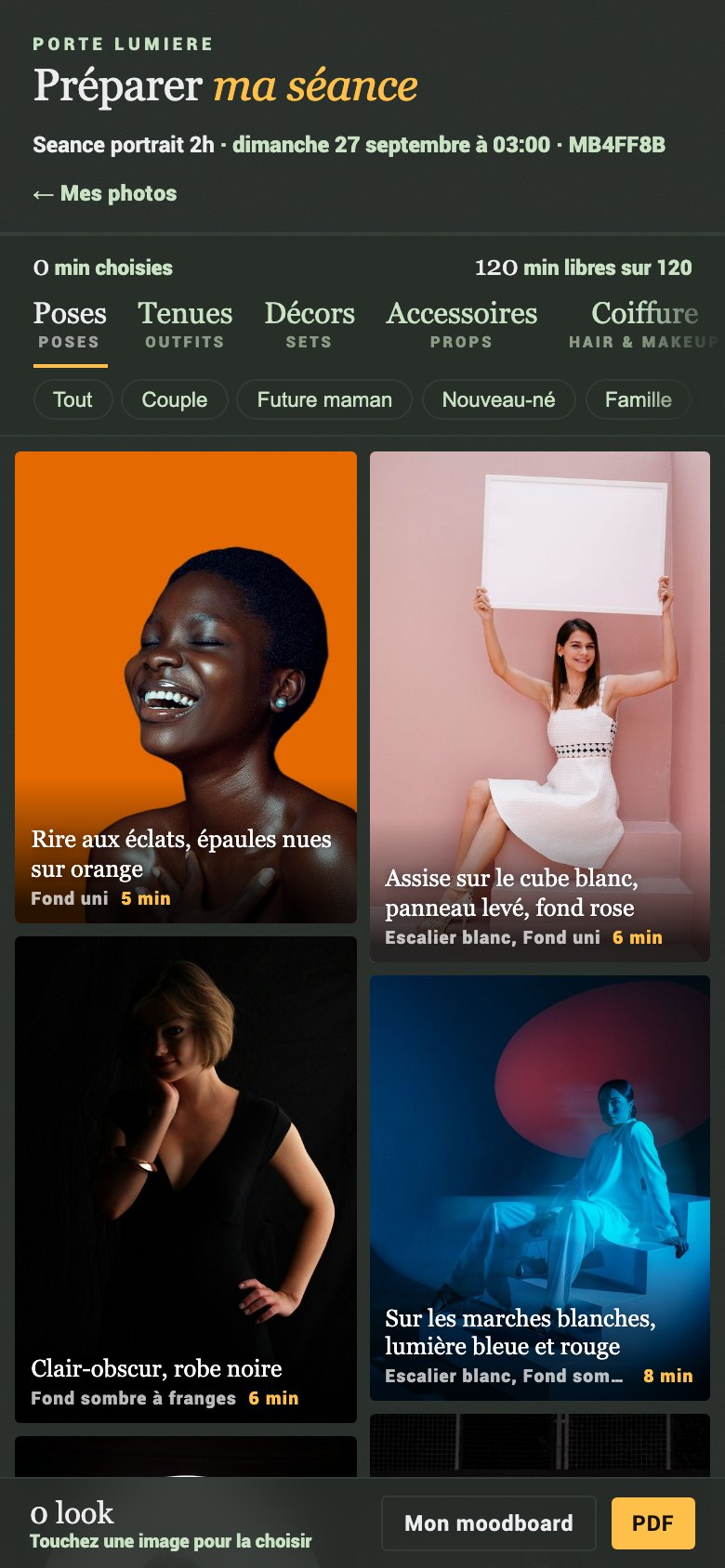
The studio's public portfolio on a phone The studio's sales page on a phone The online booking page on a phone The session moodboard, choosing poses and outfits The client choosing which photos to retouch The client collecting the finished photos The studio's online store on a phone Their phone · your address
  1. 1Portfolio — five looks, your logo
  2. 2Sales page — with your Meta pixel
  3. 3Booking — paid, no double-booking
  4. 4Moodboard — poses & outfits, before the day
  5. 5Selection — they pick what you retouch
  6. 6Delivery — they collect, you send nothing
  7. 7Shop — they buy again
Plans

The app is free. You pay for cloud time and studio tools.

No subscription on the paid plans: each is a single payment that never expires. Cloud AI is metered in credits on every plan, free included, and bought only when you use it.

Free

0 FCFA$0 · no card
What you get
  • Im.Age 57 Studio on macOS and Windows, and Im.Age 57 Manager beside it
  • Every cloud AI process, paid by the credit — nothing is withheld
  • Retouch4me cloud retouching, charged only on success
  • AutoRaw reads your RAW files and writes the Camera Raw settings as a sidecar, ready to apply
  • Build and run your own workflows, cull, label and pick
  • Your business profile: studio name, logo and contact details
  • Applying the sidecar is manual — automatic RAW opening starts at Photographer
  • Photoshop plugin steps start at Creator, Service Mode at Studio
  • Retouching on your own machine starts at Studio
1 machinesame computer onlyno hosted storage

Creator

$400once, forever
Adds to Free
  • Your public portfolio, client galleries and cloud delivery
  • Online booking, your sales page and your online store
  • The session moodboard your clients fill in before the shoot
  • Import your own Photoshop actions and run them as workflow steps
  • Process Manager, workflow history and output presets
  • Client directory, notifications, retention timers, card import
  • Saved results kept on the server, and cloud sync
3 machines25 GB archive10 GB portfolio

Photographer

$900once, forever
Adds to Creator
  • The app opens and develops your RAW files itself, instead of you applying the AutoRaw sidecar by hand
  • The Batch tab and per-image step skipping
  • Operator review and reprocess, and the visual style picker
  • QR client delivery and delivering the RAWs themselves
  • Paid bookings, plus comments and redo requests from clients
  • Push workflow presets between your apps
4 machines100 GB archive

Studio

$2000once, forever
Adds to Photographer
  • Ðom-dā, the retoucher that runs on your own machine — skin, tone, teeth, eyes, hair, light and depth, with no credits and no upload
  • Its one-click looks, snapshots and Photoshop panel
  • Generative fill and expand, running locally
  • Service Mode: a watch folder that works through the night
  • Two machines talking over your own network, found automatically
5 machines40 GB portfolio

Partner

On requesttalk to us
Adds to Studio
  • Internet relay sync, for machines that are not in the same building
  • Ten activated machines, 500 GB archive, 150 GB portfolio

Credits are the same price on every plan: 1,050 for $9.99, 2,750 for $24.99, 5,700 for $49.99. Work that runs on your own hardware never spends one.

Questions, answered straight

"What is actually free?"

The app itself, on both platforms, with Im.Age 57 Manager beside it: cull a shoot, label it, build and run your own workflows, and let AutoRaw read your RAW files and write the Camera Raw settings for you. Every cloud AI process is open to you too, paid by the credit. What the paid plans buy is the automation and the studio side — Photoshop plugin steps and your client-facing pages on Creator, automatic RAW opening and the working tools on Photographer, and the retoucher that runs on your own machine on Studio.

"Is the quality really pro?"

The engines were tuned on real studio work by a working photographer, with a focus on the skin tones most tools get wrong. Compare it side by side with what you use now.

"Can I still edit the result?"

Yes, if you have Photoshop. Runs that go through it keep every process on its own layer with its own mask, and save a layered .psd rather than a flattened file.

"Does it work offline?"

The work that runs on your own machine does, once you have signed in the first time — the licence is cached there. That is the Studio plan and up. Cloud AI, galleries, portfolio and booking need a connection wherever you are, because they live on the web.

"Mac or Windows?"

Both. There is an installer for each, and the same plans apply to either.

"Do I have to subscribe?"

No. Creator, Photographer and Studio are each a single payment that never expires, and there is nothing to re-bill. The only recurring cost is credits, and only if you choose to run cloud AI.

Every frame is intentional.

Install it free, and grow into the rest when the studio does.

Coming soon

One e-mail on opening day. Nothing else.