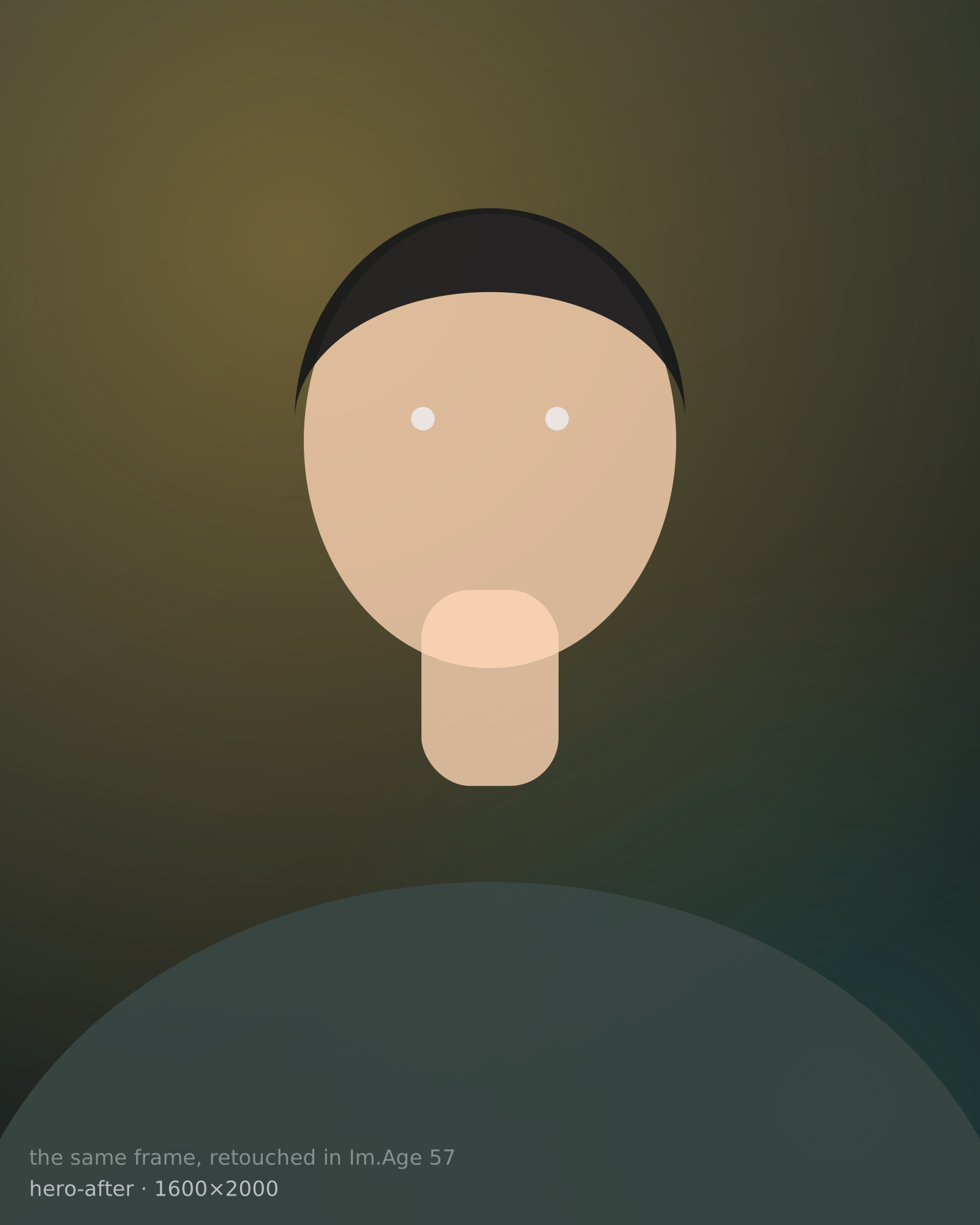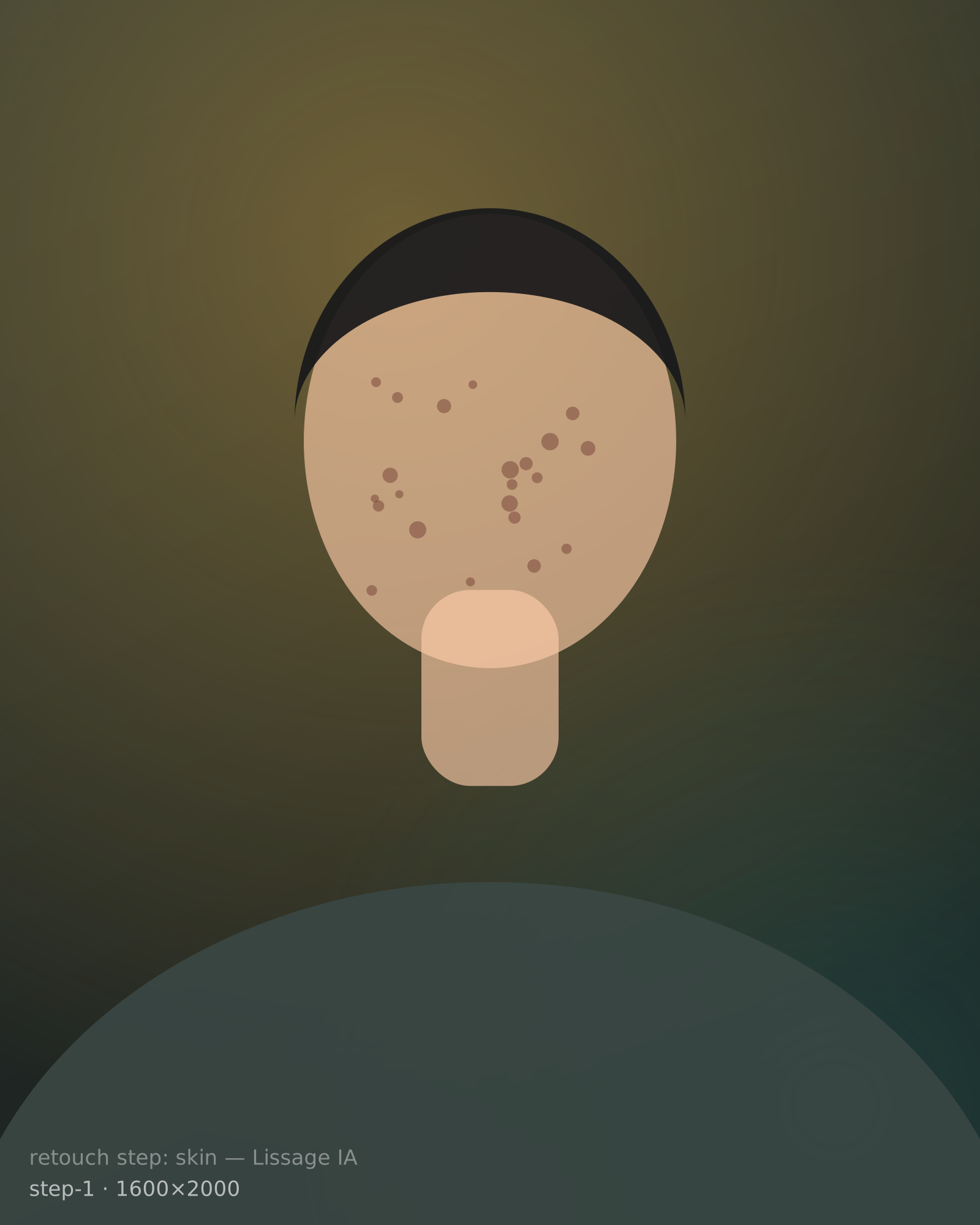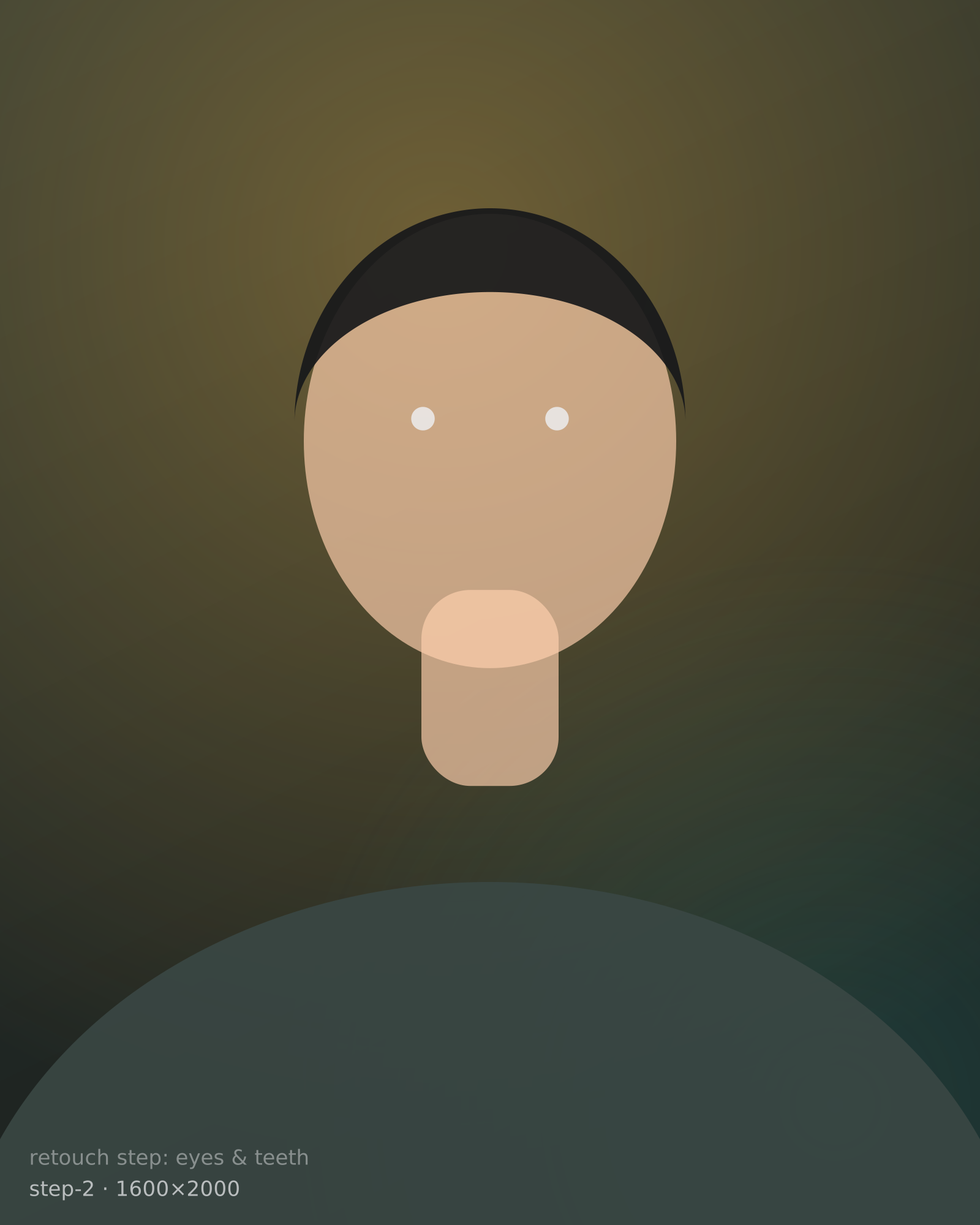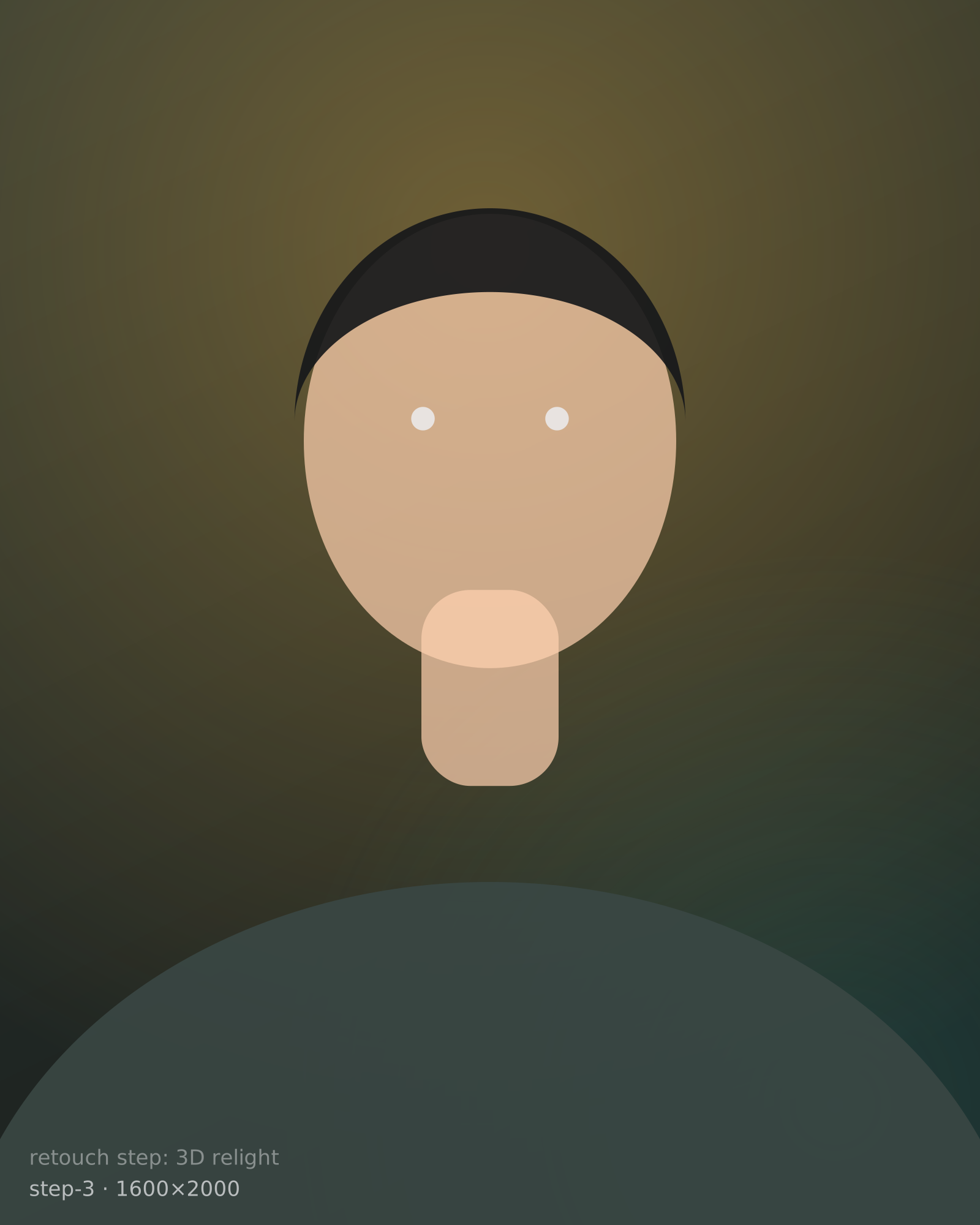
The retouching engine runs on your own hardware, so there is no upload, no queue and no per-image cloud bill. We charge for the things that genuinely cost money to run: cloud AI, overnight batch automation, and the hosted tools your clients use.
We're finishing booking & payments first. The download opens the moment that's ready.
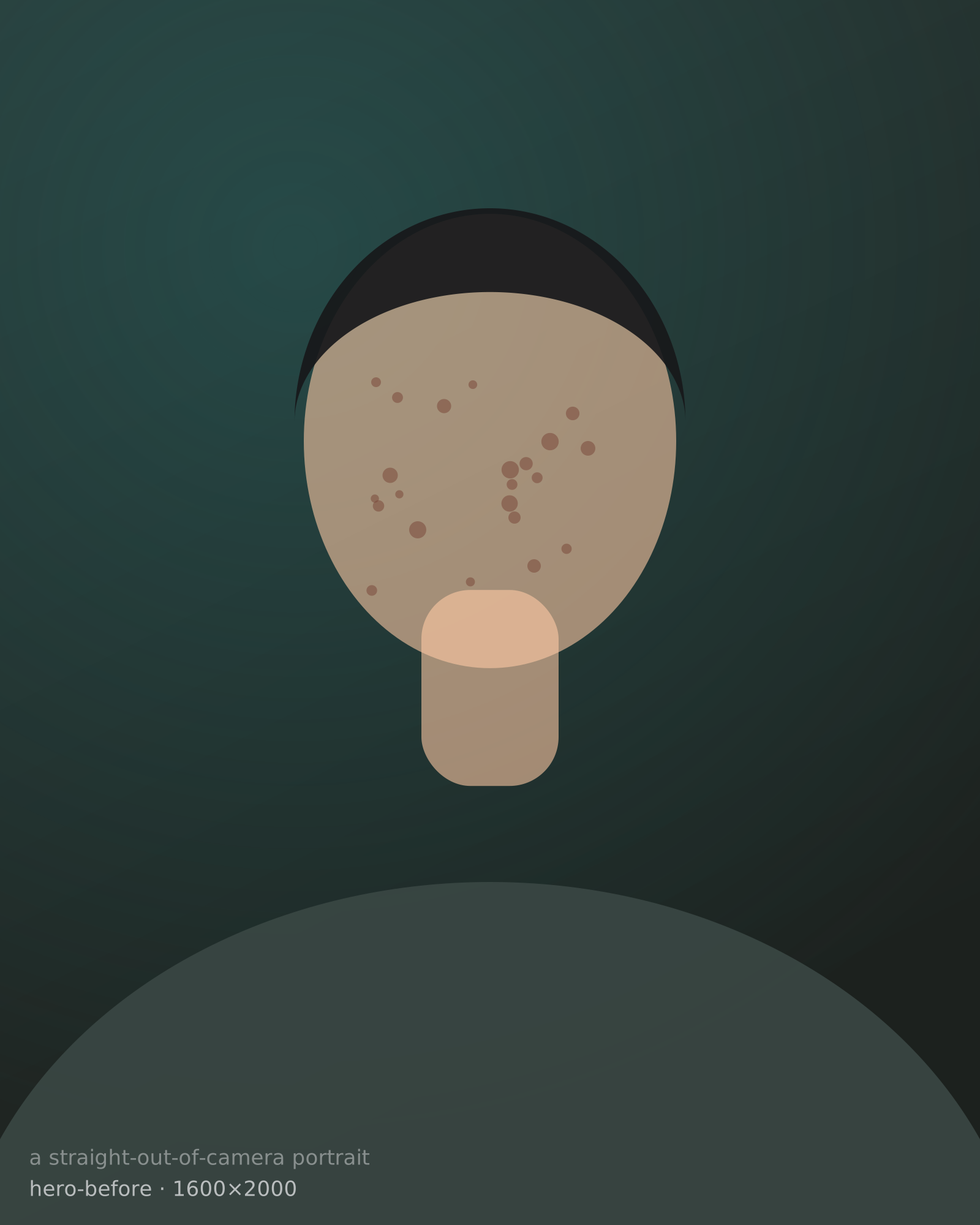
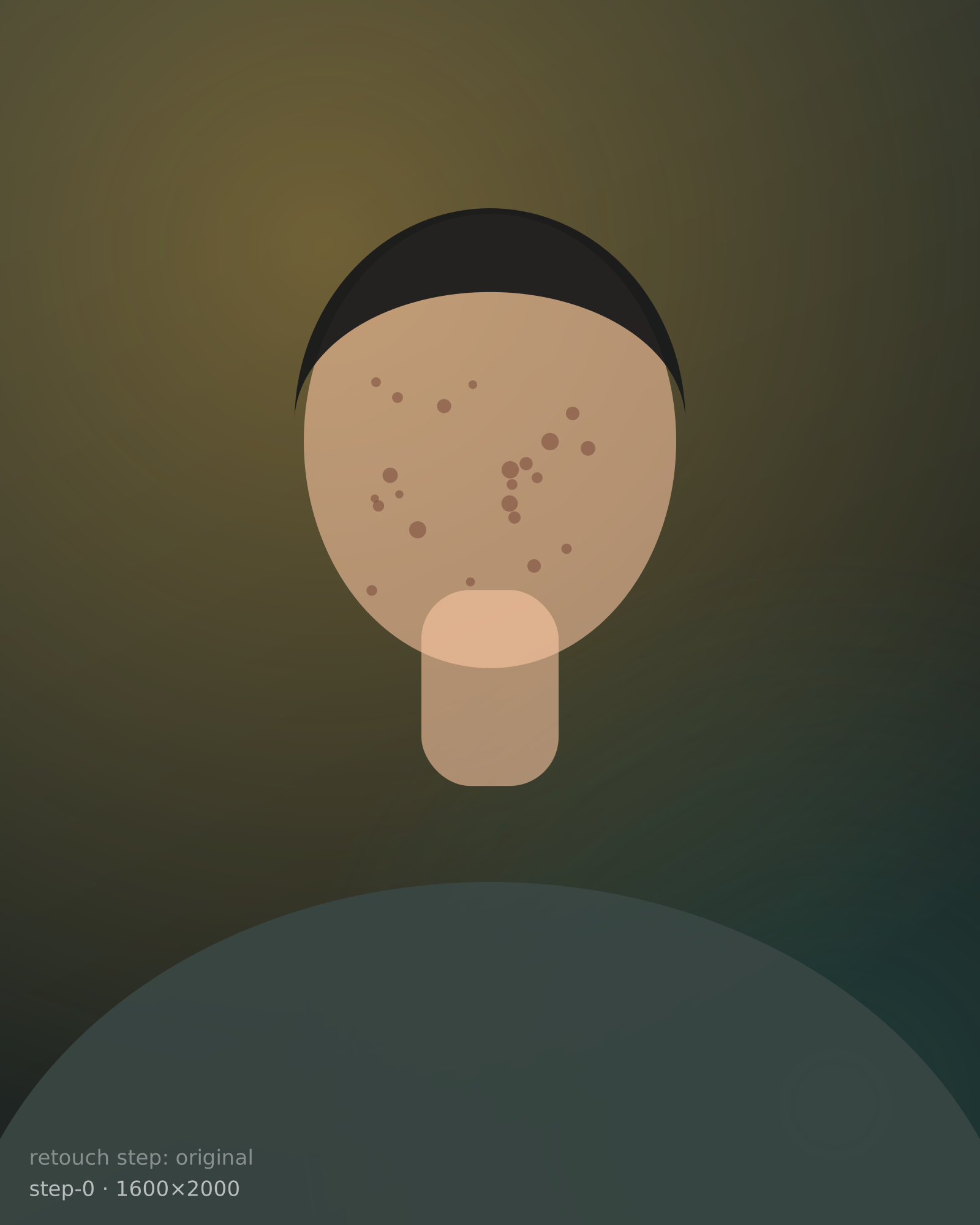
Drag to compare
credits spent on local retouching. Skin, eyes, teeth, tone, light and depth all run on your own hardware, so there is nothing to meter.
files open directly. They are developed on your machine before they ever reach Photoshop.
machines on the free licence, three on Creator, five on Studio. Your seat travels with you.
Each pass is a separate engine, tuned on real studio work. Keep scrolling to build the retouch.
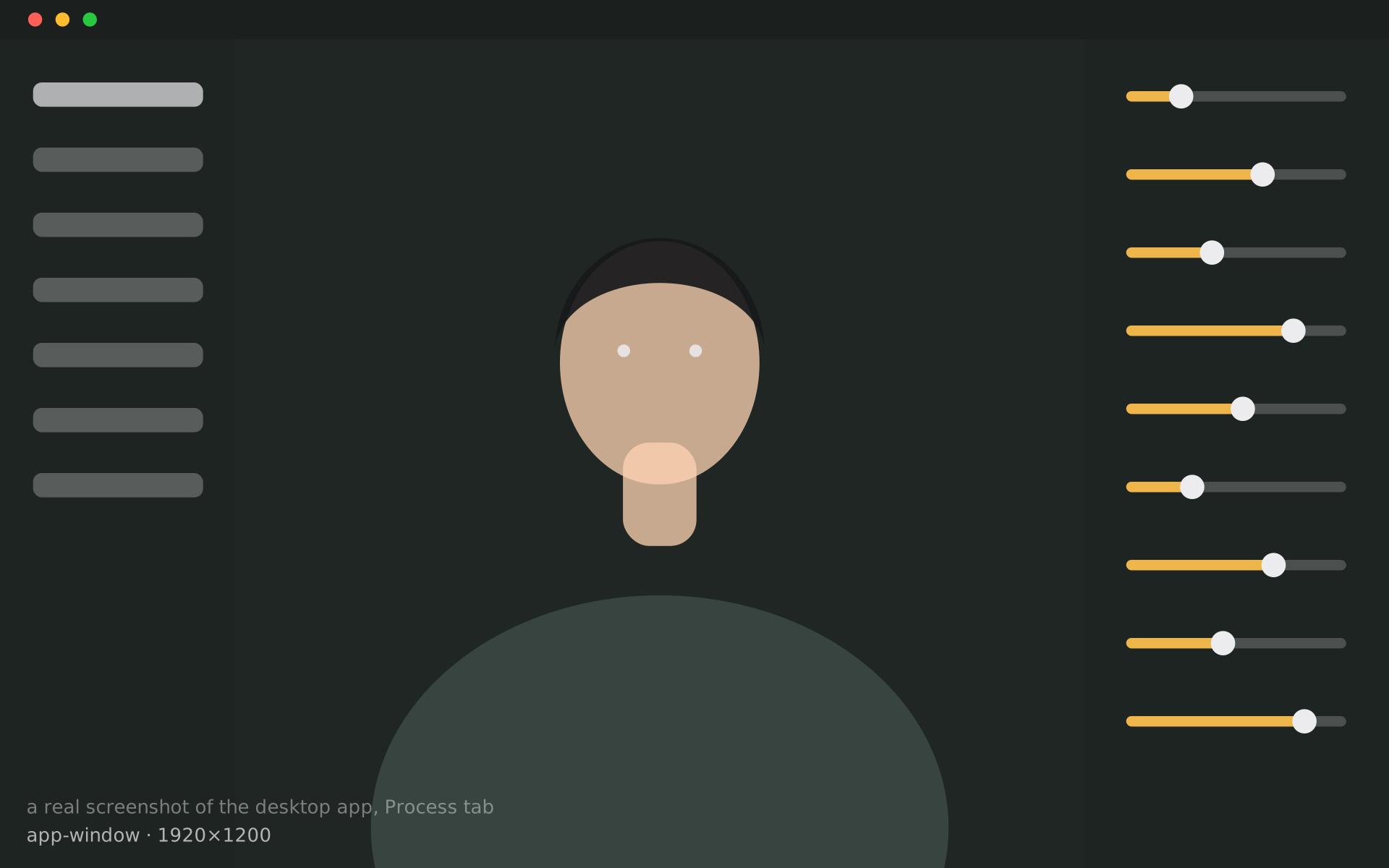
Run it through Photoshop and each process is stamped onto its own named layer instead of merged down, then saved as a layered .psd. Turn one down, paint one out, keep the rest. Needs Photoshop installed, on the plans that include workflow and Service Mode runs.
Layered .psd · needs Photoshop installed
Retouching never leaves your computer. No upload, no queue, no credits. macOS and Windows.
Sign in once to activate the licence; it is cached on the machine, so day-to-day retouching keeps working offline. Cloud AI, galleries and booking need a connection.
RAW files are developed locally before anything else touches them, then handed to Camera Raw with your settings intact.
It drives Photoshop directly rather than replacing it: per-step layers, masks and a layered PSD export for the studios that live there.
Local retouching never uploads a photo. Cloud AI is opt-in per image, and what it costs is shown before you run it.
Drop the cards in a watch folder. Your workflow runs on every frame while you sleep. Review in the morning, then send the gallery link.
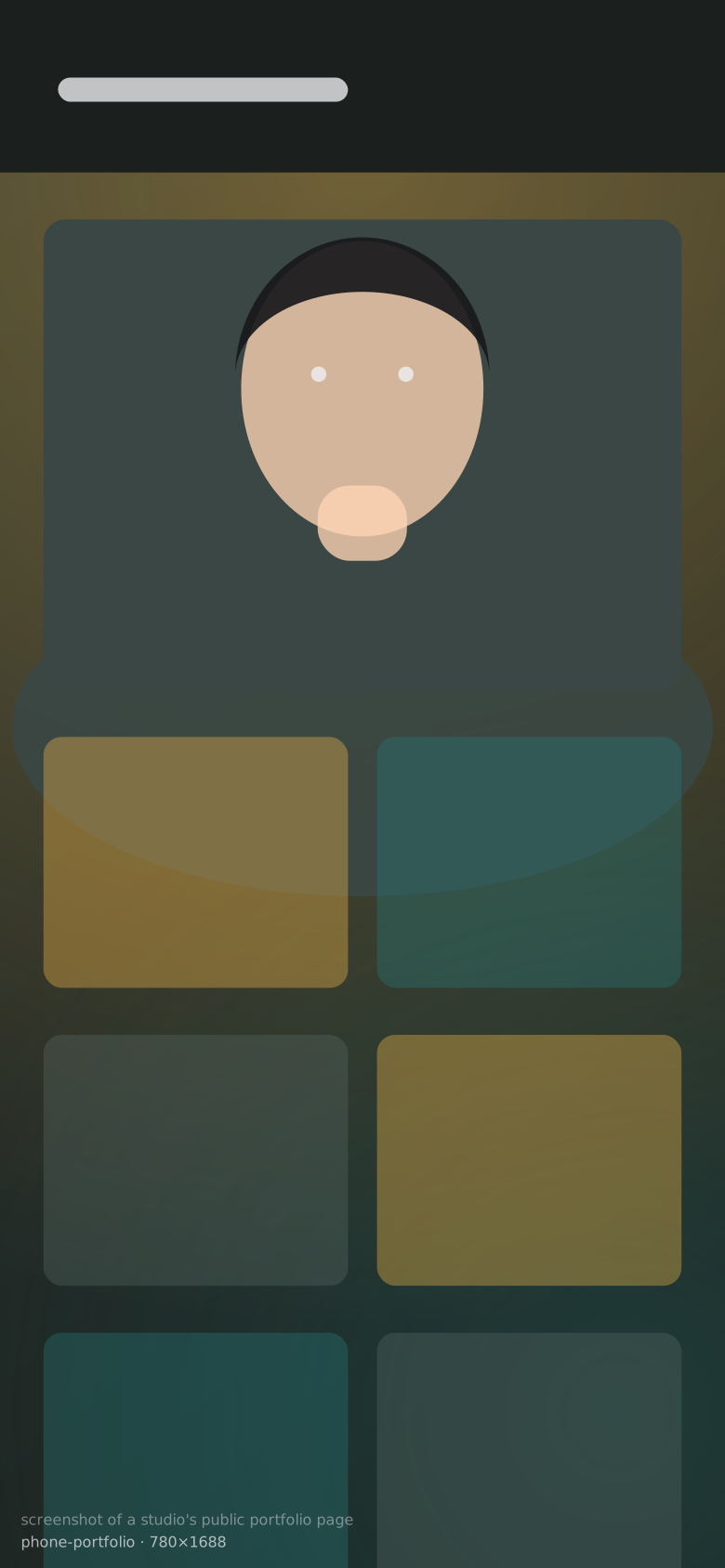
yourstudio.image57.com works on any phone and installs like an app. Clients pick up photos, leave comments on a frame, ask for a redo, and book the next session.
No subscription. Each paid plan is a single payment that never expires. Cloud AI is metered in credits and bought separately, only if you use it.
Cloud AI is metered in credits, bought as needed: 1,050 for $9.99, 2,750 for $24.99, 5,700 for $49.99. Retouching that runs on your own machine never spends a credit.
The things that cost real money to run: cloud AI on someone else's GPUs, hosted galleries and portfolios, and the automation that turns a night into a delivered gallery. Work that runs on your own hardware costs us nothing per image, so it is never metered.
The engines were tuned on real studio work by a working photographer, with a focus on the skin tones most tools get wrong. Compare it side by side with what you use now.
Yes, if you have Photoshop. Runs that go through it keep every process on its own layer with its own mask, and save a layered .psd rather than a flattened file.
After the first sign-in, yes, for the work that runs locally — the licence is cached on the machine. Cloud AI, galleries, portfolio and booking need a connection because they live on the web.
Both. There is an installer for each, and the same plans apply to either.
Install it free, and grow into the rest when the studio does.